

Help Center/ CodeArts Deploy/ User Guide/ Creating an Application/ Creating an Application Using a Preset Template/ Creating an Application Using the Node.js Application Deployment Template
Updated on 2026-09-11 GMT+08:00
Creating an Application Using the Node.js Application Deployment Template
You can deploy a Node.js web service on the host and start the service.
- In the template selection step, select this system template by referring to Creating an Application Using a System Template.
The related deployment actions are shown in the following figure. Check whether you have installed Node.js on the target host. If yes, remove the Install Node.js action from the template.
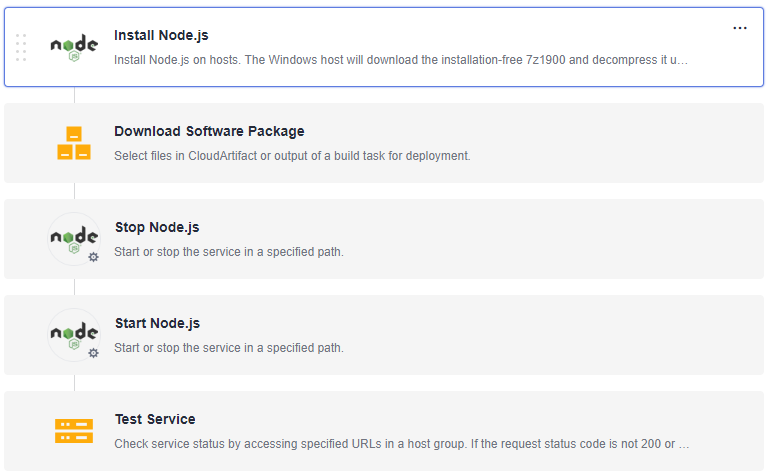
- On the Deployment Actions page, configure the following actions. For details about the parameters, see below.
- Table 1 describes the parameters to be set in the template.
What is your overall rating for this page?
0
1
2
3
4
5
6
7
8
9
10
Very dissatisfiedVery satisfied
Thank you very much for your feedback. We will continue working to improve the documentation.See the reply and handling status in My Cloud VOC.
The system is busy. Please try again later.
For any further questions, feel free to contact us through the chatbot.
Chatbot


