

Help Center/
Partner Center/
User Guide/
Operations of Partner Customers/
Buying Huawei Cloud Products
Updated on 2025-11-28 GMT+08:00
Buying Huawei Cloud Products
After logging in to Huawei Cloud, you can select the required product on the Products page and click the product to go to its introduction page. Then, click Buy and complete the purchase as prompted.
Procedure
The following procedure shows how to buy an EVS disk:
- Go to the All Products page.
- Select Storage > Elastic Volume Service (EVS).
- Click Buy.
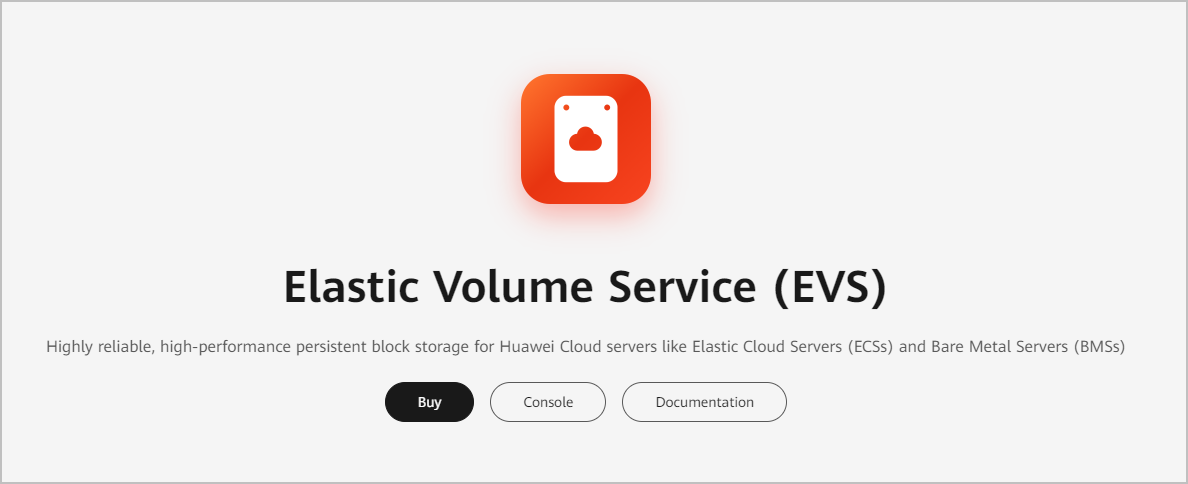
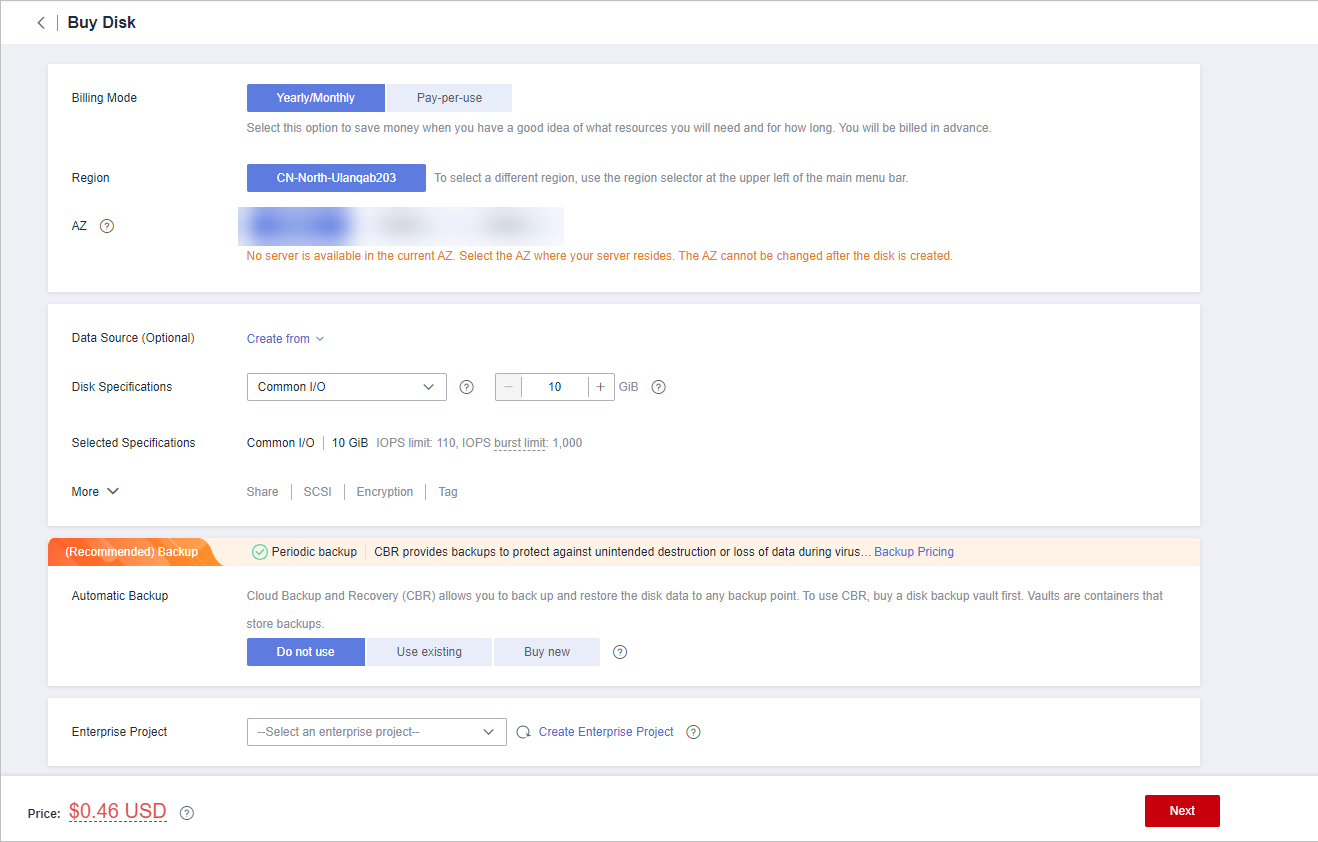
- Set the product information and click Next.
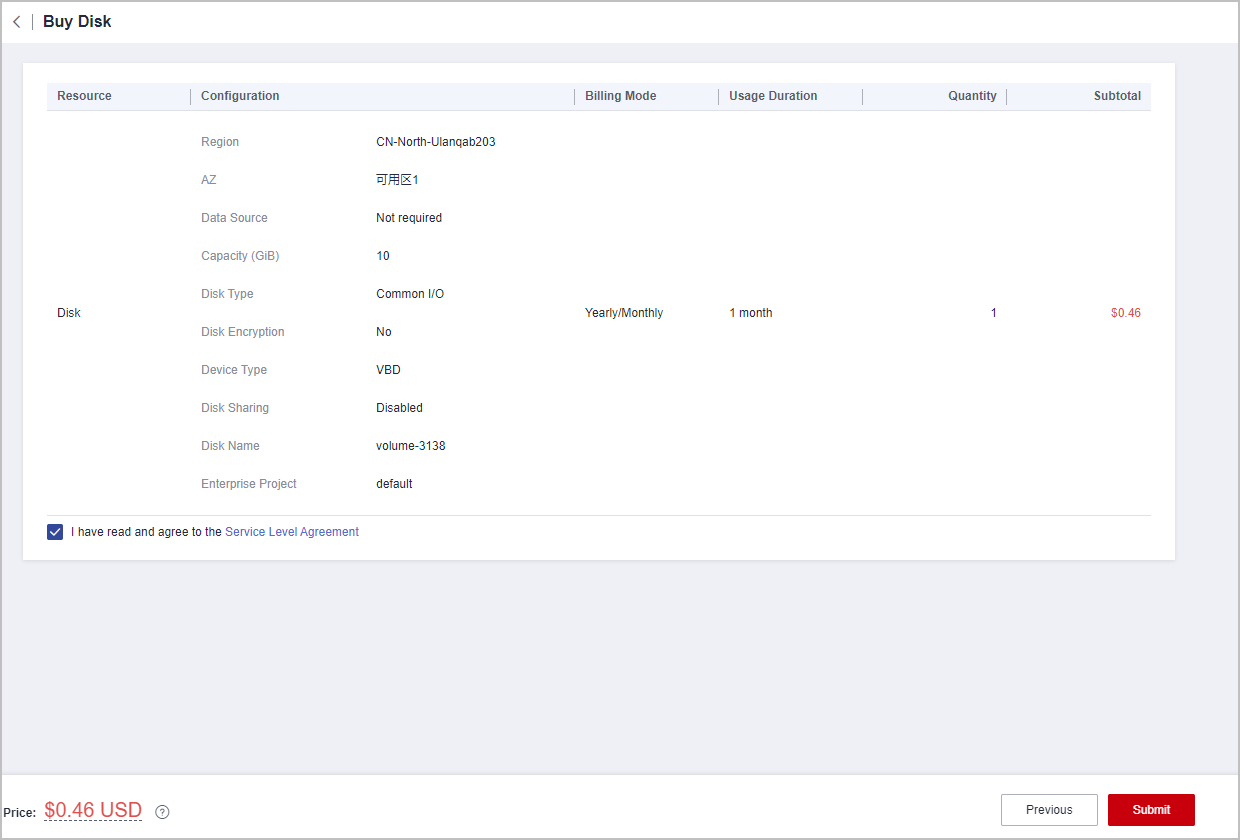
- Confirm order information, select I have read and agree to the Service Level Agreement (SLA), and click Submit.
- On the Pay page, select a payment method and complete the payment.
Parent topic: Operations of Partner Customers
Feedback
Was this page helpful?
Provide feedbackThank you very much for your feedback. We will continue working to improve the documentation.See the reply and handling status in My Cloud VOC.
The system is busy. Please try again later.
For any further questions, feel free to contact us through the chatbot.
Chatbot


