

What Are the Meanings of Log Errors in a CodeArts PerfTest Report?
dialing to the given TCP address timed out
If the read/write request times out, check whether the network between the client and the server is reachable. If a shared resource group is used, check whether the network of the tested server is accessible from public networks. If a private resource group is used, check whether the network between the executor and the tested server is connected.
look up XXX timeout
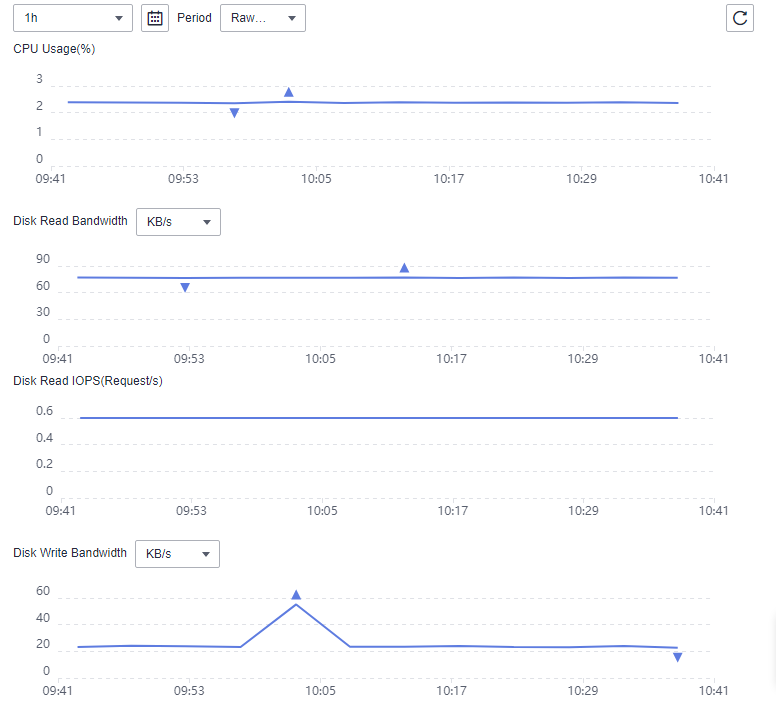
If the network is abnormal, check the network load of the executor and server. You can check the network bandwidth usage of other Huawei cloud services, such as EIP.
not look like a TLS handshake
The server uses the HTTP protocol. Check whether the HTTPS protocol is mistakenly used for the test case.
lookup XXX: no such host
The domain name cannot be resolved. Check whether the domain name is correct. If it is not registered, bind it with the IP address.
timeout
The response times out. Check whether the response timeout interval is proper and whether the server is bottlenecked.
write tcp ... broken pipe
The TCP connection is closed. Check whether the network bandwidth and number of connections are insufficient.
bad status
The protocol upgrade fails during the WebSocket connection. Check whether the WebSocket address is correct.
Feedback
Was this page helpful?
Provide feedbackThank you very much for your feedback. We will continue working to improve the documentation.See the reply and handling status in My Cloud VOC.
For any further questions, feel free to contact us through the chatbot.
Chatbot


