

Deploying MySQL on an Ubuntu ECS
Overview
This section describes how to deploy a MySQL database on an ECS running Ubuntu.
Prerequisites
- An EIP has been bound to the ECS.
- The rules listed in the following table have been added to the security groups that the target ECS belongs to. For details, see Adding a Security Group Rule.
Table 1 Security group rules Direction
Priority
Action
Type
Protocol & Port
Source
Inbound
1
Allow
IPv4
TCP: 22
0.0.0.0/0
Inbound
1
Allow
IPv4
TCP: 3306
0.0.0.0/0
Procedure
Deploying MySQL
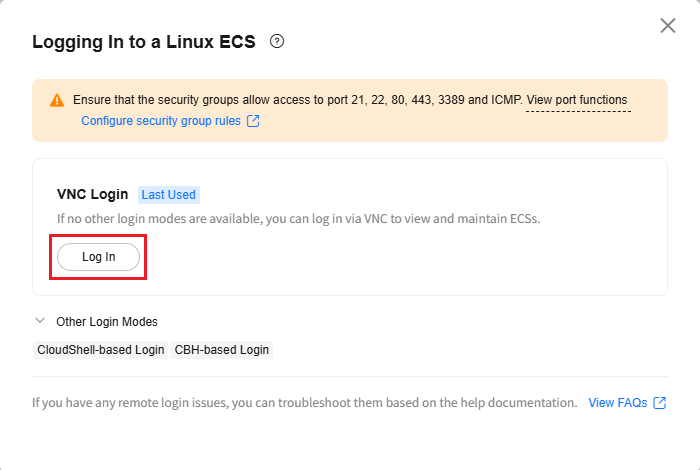
- Create an Ubuntu ECS that can access the public network. Select the VNC or SSH login.
- Run the following commands to update the ECS image source:
sudo apt update
sudo apt upgrade
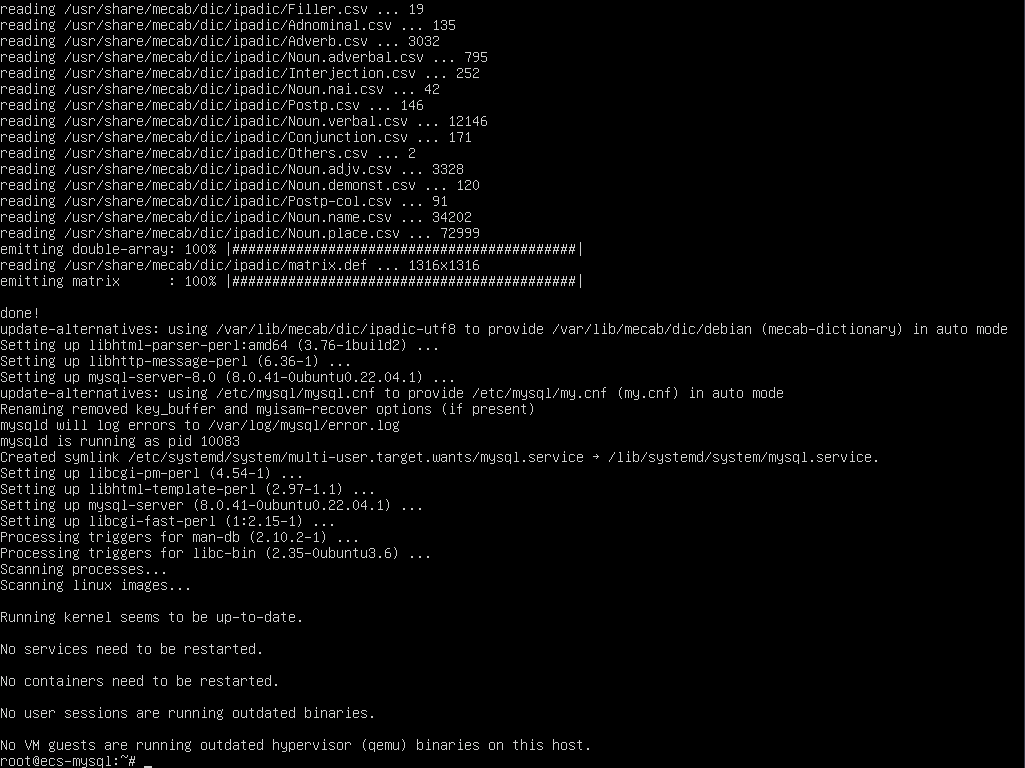
- Run the following command to install MySQL:
sudo apt -y install mysql-server
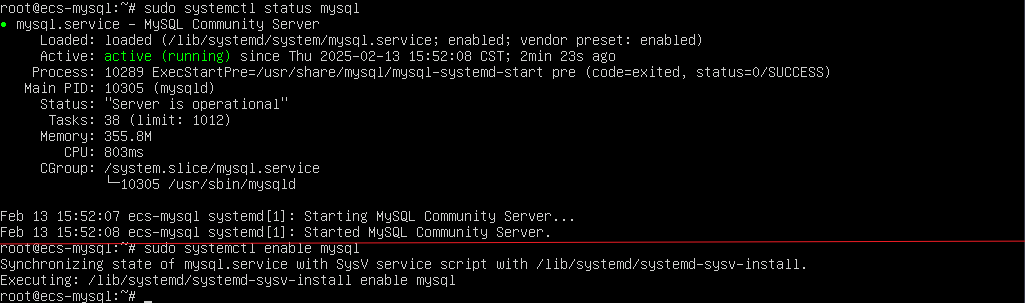
- Check the MySQL status and configure it to automatically start upon ECS startup:
sudo systemctl status mysql
sudo systemctl enable mysql
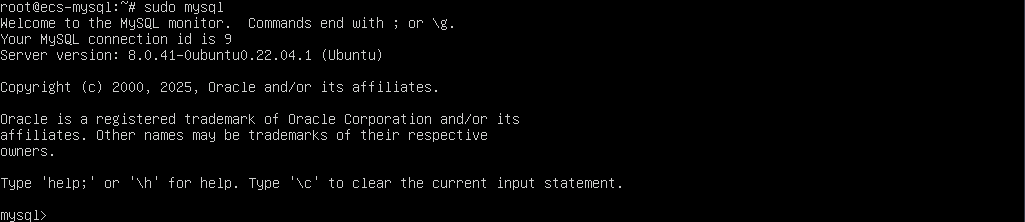
- Run the following command to access MySQL:
sudo mysql
- Run the following command to set the password for user root:
ALTER USER 'root'@'localhost' IDENTIFIED WITH mysql_native_password by 'kmXNB)60Ckap';

- Run the following command to exit MySQL:
exit

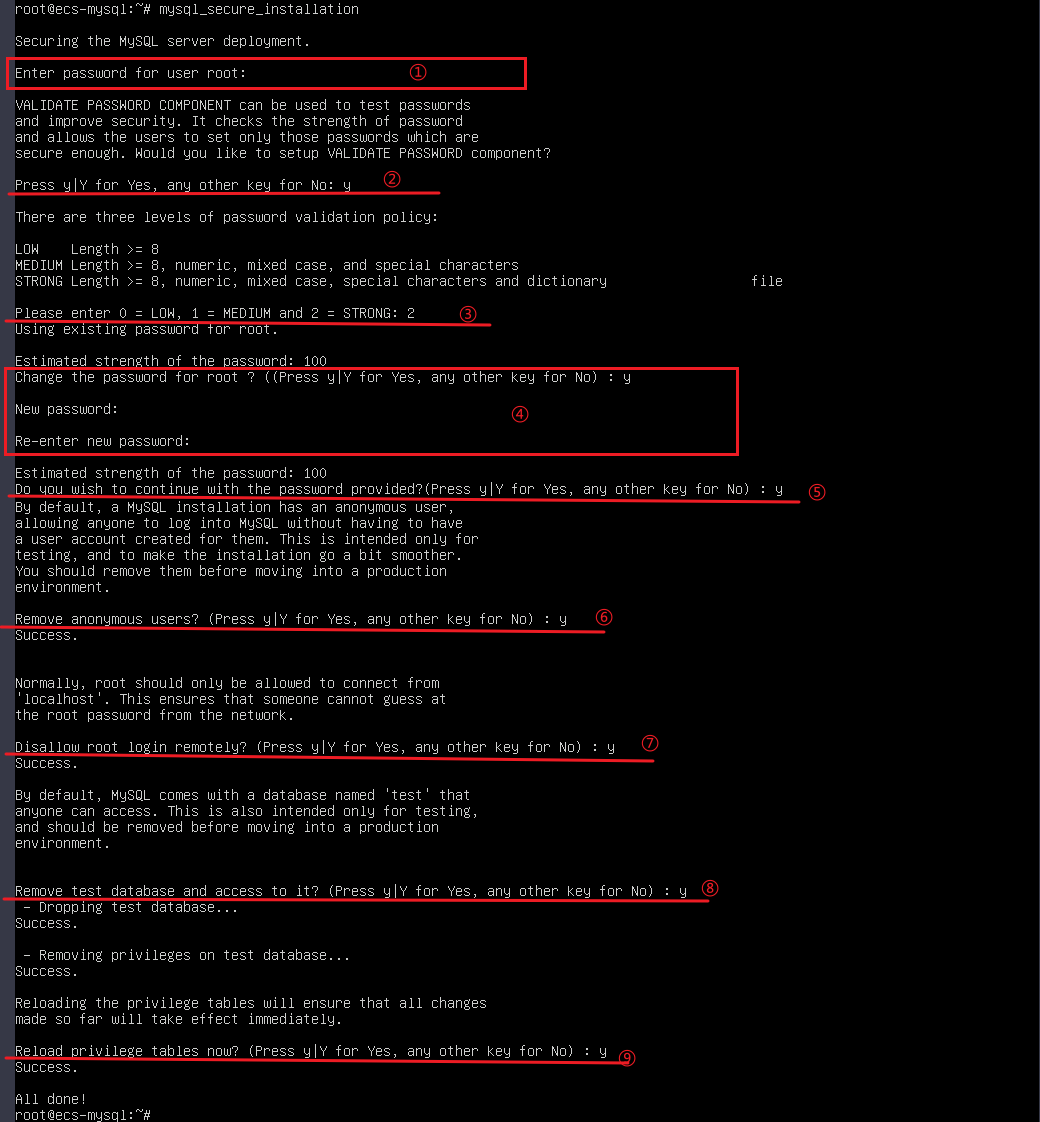
- Run the following command to harden MySQL security as required:
mysql_secure_installation
(1) Enter the password configured in 6.
(2) Enter y or Y if you want to configure a password policy.
(3) Set the password strength:- Weak password: The password contains at least eight characters.
- Medium password: The password contains at least eight characters and consists of uppercase letters, lowercase letters, digits, and special characters.
- Strong password: The password contains at least eight characters, consists of uppercase letters, lowercase letters, digits, and special characters, and is checked against a dictionary attack.
Enter 2 to use a strong password.
(4) Enter y or Y for Change the password for root?.
Enter the new password of user root. The password must meet strong password requirements.
(5) Enter y or Y for Do you wish to continue with the password provided?.
(6) Enter y or Y for Remove anonymous users?.
(7) Enter y or Y for Disallow root login remotely?.
(8) Enter y or Y for Remove test database and access to it?.
(9) Enter y or Y for Reload privilege tables now?.
Adding a user for remote MySQL access
- Run the following command to log in to the MySQL database as user root and enter the password configured in 8 as prompted:
sudo mysql -u root -p

- Run the following command to create a database named workspace:
CREATE DATABASE workspace;

- Create a user and grant the user full access to the database. In the command, workspaceuser indicates the database username, and xxxxx indicates the password of the database user.
CREATE USER 'workspaceuser'@'localhost' IDENTIFIED BY 'xxxxx';
GRANT ALL ON workspace.* TO workspaceuser@localhost;

- Run the following command to update the MySQL permission table to ensure that the permissions granted in 3 take effect:
FLUSH PRIVILEGES;

- Run the following command to exit the MySQL CLI:
exit

- (Optional) Run the following commands in sequence to check that the database and user have been created and then exit the MySQL CLI (after the first command is executed, enter the password configured in 3):
mysql -u workspaceuser -p
SHOW DATABASES;
exit
What is your overall rating for this page?
Thank you very much for your feedback. We will continue working to improve the documentation.See the reply and handling status in My Cloud VOC.
For any further questions, feel free to contact us through the chatbot.
Chatbot


