

Help Center/ Cloud Operations Center/ User Guide/ Basic Configurations/ Process Management/ Issue Process/ Issue Level
Updated on 2025-03-17 GMT+08:00
Issue Level
- Log in to COC.
- In the navigation pane, choose Basic Configurations > Process. On the displayed Issue Process tab page,click the Issue Level tab. Figure 1 Issue level
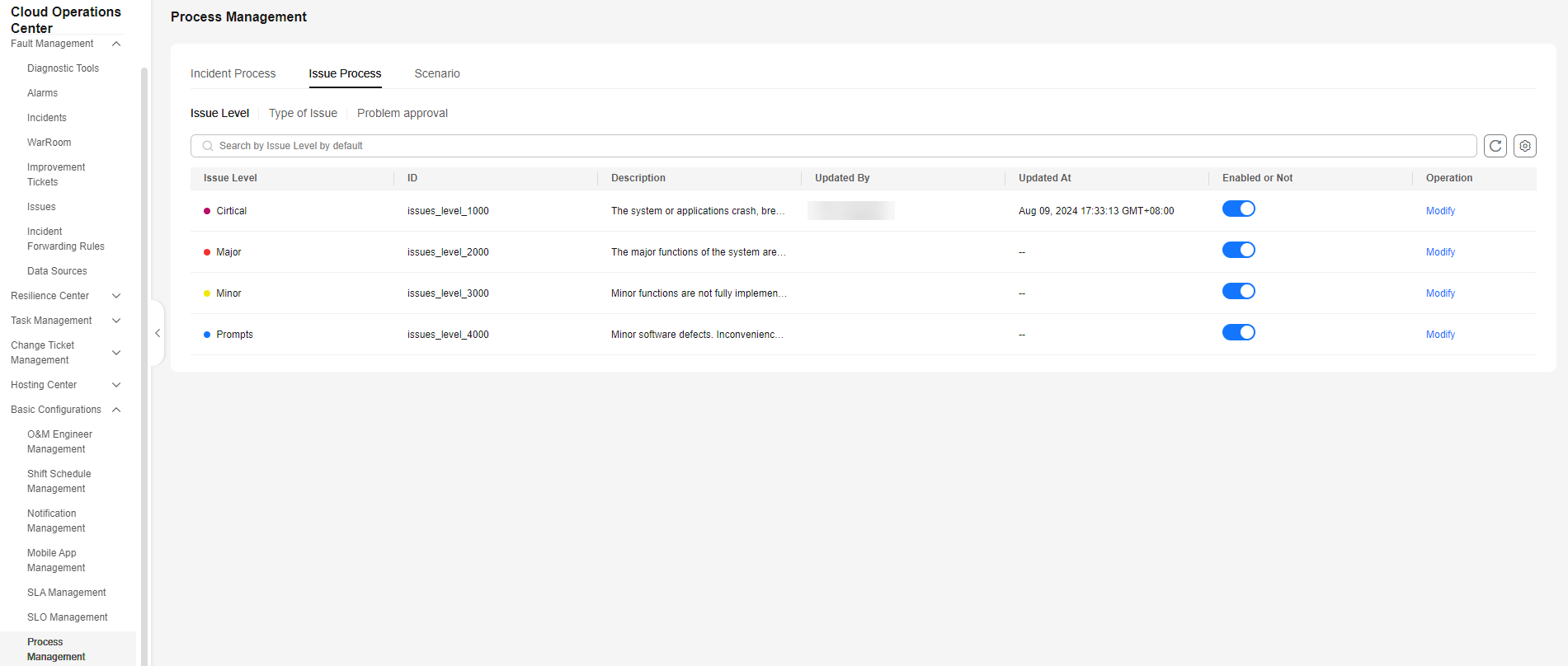
- Click Modify in the Operation column to modify the issue level and description. If a level does not need to be enabled, you can disable it.
- After the modification, you can view the latest issue level list on the Issue Management page.
Parent topic: Issue Process
What is your overall rating for this page?
0
1
2
3
4
5
6
7
8
9
10
Very dissatisfiedVery satisfied
Thank you very much for your feedback. We will continue working to improve the documentation.
The system is busy. Please try again later.


