

Updated on 2026-04-20 GMT+08:00
Case Management

The cases are submitted during role validation and competency differentiation certification.
Procedure
- Use your account to log in to Huawei Cloud.
- Click Partner Center in the drop-down list of your account name in the upper right corner.
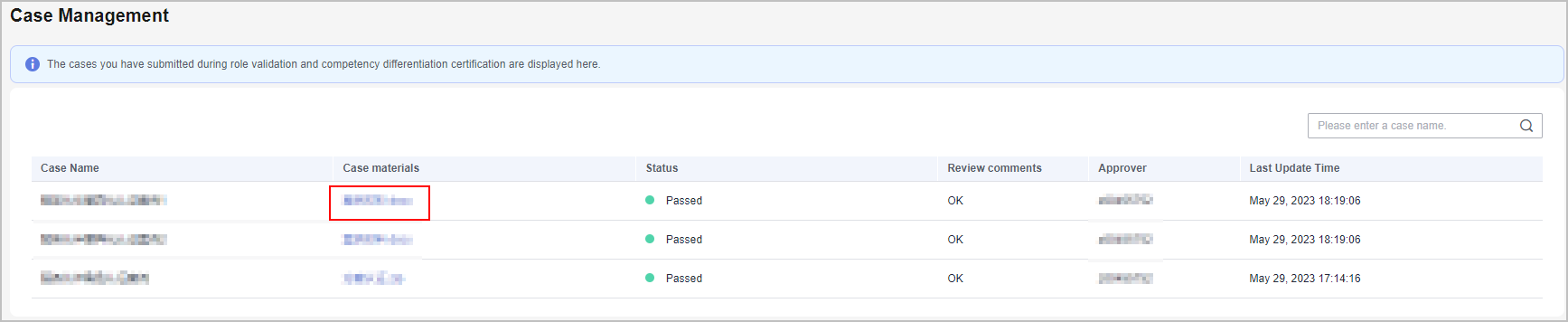
- Choose Partner Information > Case Management in the drop-down list of your account name in the upper right corner.
- View the review status of the cases submitted during role validation and competency differentiation certification.
- Click the name of a case material to download and view details about it.
What is your overall rating for this page?
0
1
2
3
4
5
6
7
8
9
10
Very dissatisfiedVery satisfied
Thank you very much for your feedback. We will continue working to improve the documentation.
The system is busy. Please try again later.


