

Help Center/ Relational Database Service_RDS for MySQL/ User Guide/ Problem Diagnosis and SQL Analysis/ Problem Diagnosis/ Managing Locks & Transactions
Updated on 2026-11-09 GMT+08:00
Managing Locks & Transactions
Scenarios
DBA Assistant allows you to check whether your DB instance has metadata locks and InnoDB locks. You can also check the recent deadlock analysis and full deadlock analysis.
For details, see Lock Analysis.
RDS for MySQL 8.4 instances do not support lock and transaction analysis.
Function Description
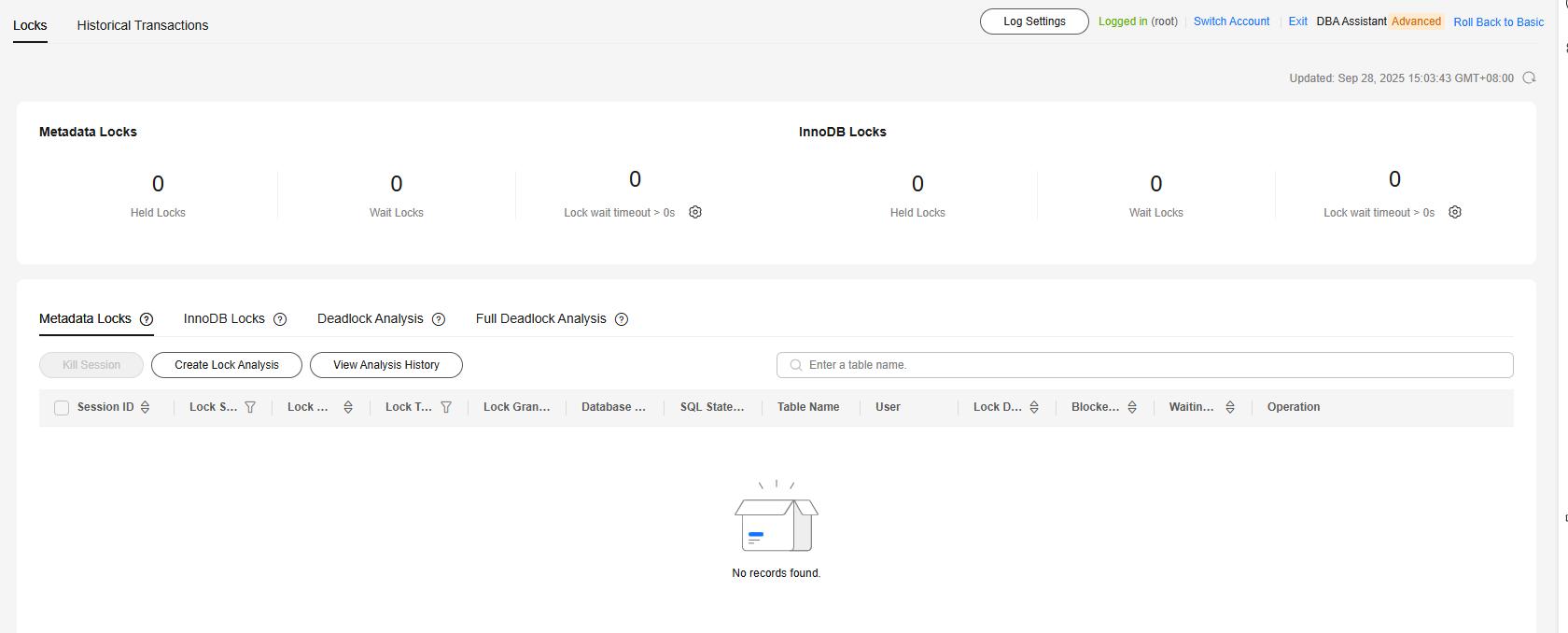
Metadata Locks
- Metadata locks (MDLs) are used to ensure consistency between DDL and DML operations. DDL operations generally need to acquire an MDL write lock. Once an MDL lock wait occurs, it can affect database performance because any subsequent SELECT, DML, or DDL operations on the table will be blocked, causing a connection backlog.
- Metadata locks are displayed in real time. You can quickly identify problems and terminate the sessions with metadata locks to restore blocked operations.
- DML locks are not included. You can view and analyze them on the InnoDB Locks page.
- A maximum of 1,000 records can be displayed.
InnoDB Locks
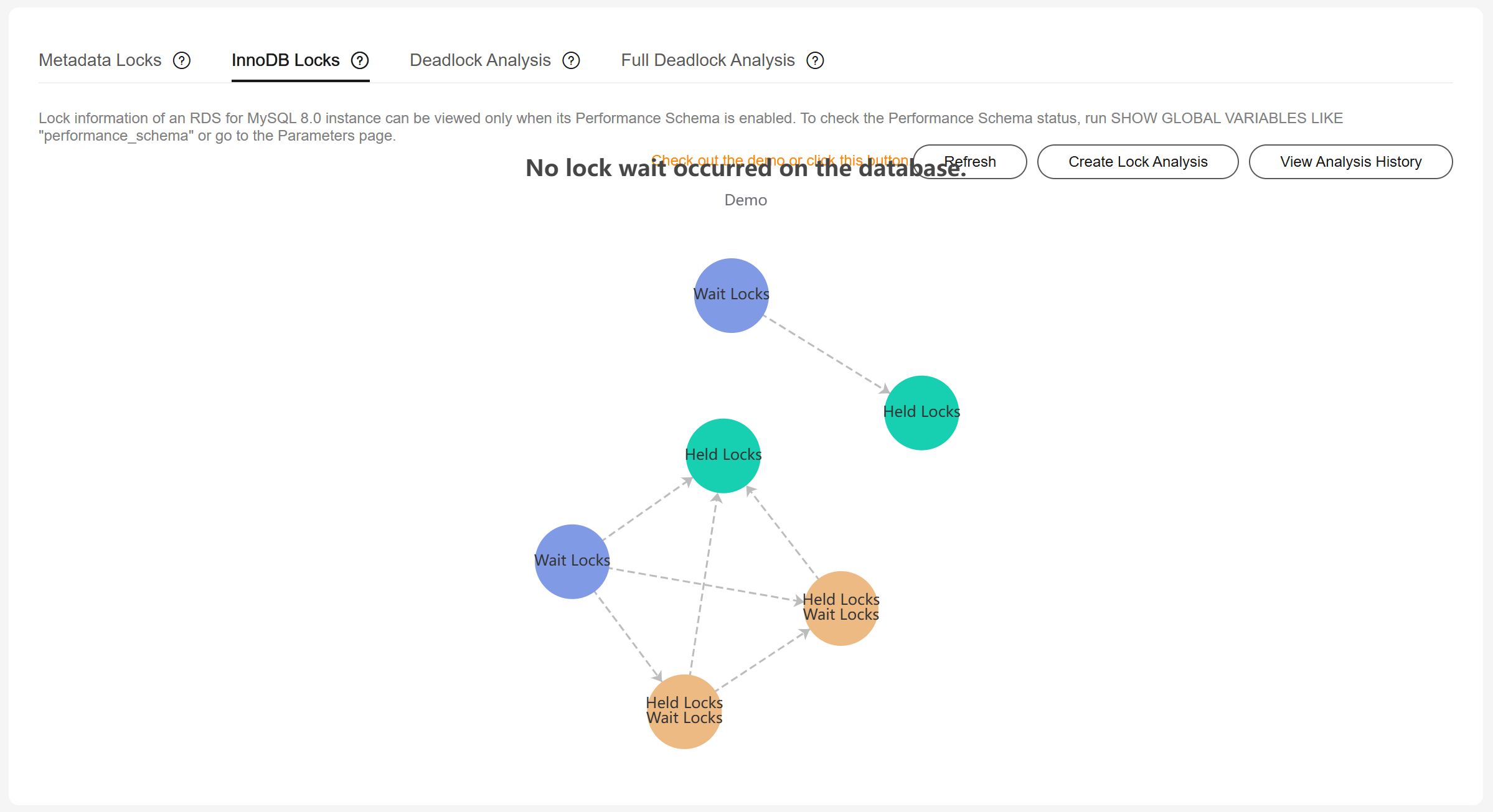
- InnoDB lock waits generated before DML operations are displayed in real time. You can quickly locate the session waits and any blocks that happened when multiple sessions update the same piece of data at the same time, and can terminate the source session that holds locks to restore blocked operations.
- DDL locks, also called metadata locks, are not included. You can view and analyze them on the Metadata Locks page.
- To view lock information of RDS for MySQL 8.0 instances, set performance_schema to ON. You can run the SHOW GLOBAL VARIABLES LIKE "performance_schema" command or refer to Modifying Parameters of an RDS for MySQL Instance to check the performance_schema settings.
Deadlock Analysis
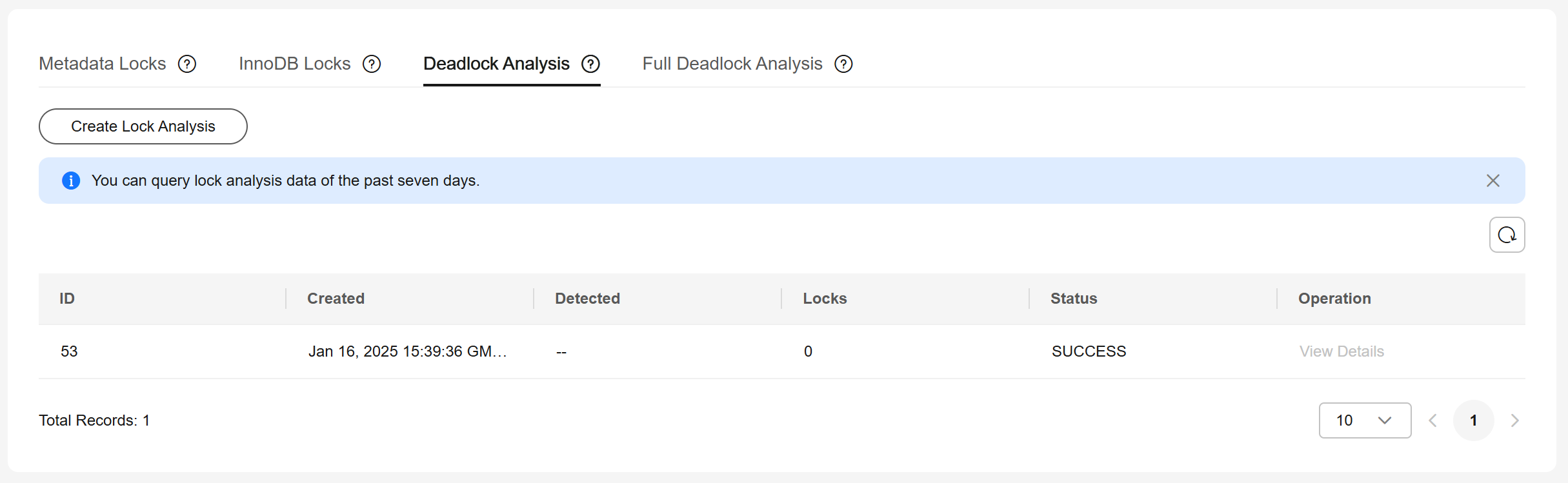
- DBA Assistant analyzes the latest deadlock log returned by SHOW ENGINE INNODB STATUS. If there are multiple deadlocks, only the latest one is analyzed.
- The innodb_deadlock_detect parameter must be set to ON (only for RDS for MySQL 5.7).
Full Deadlock Analysis
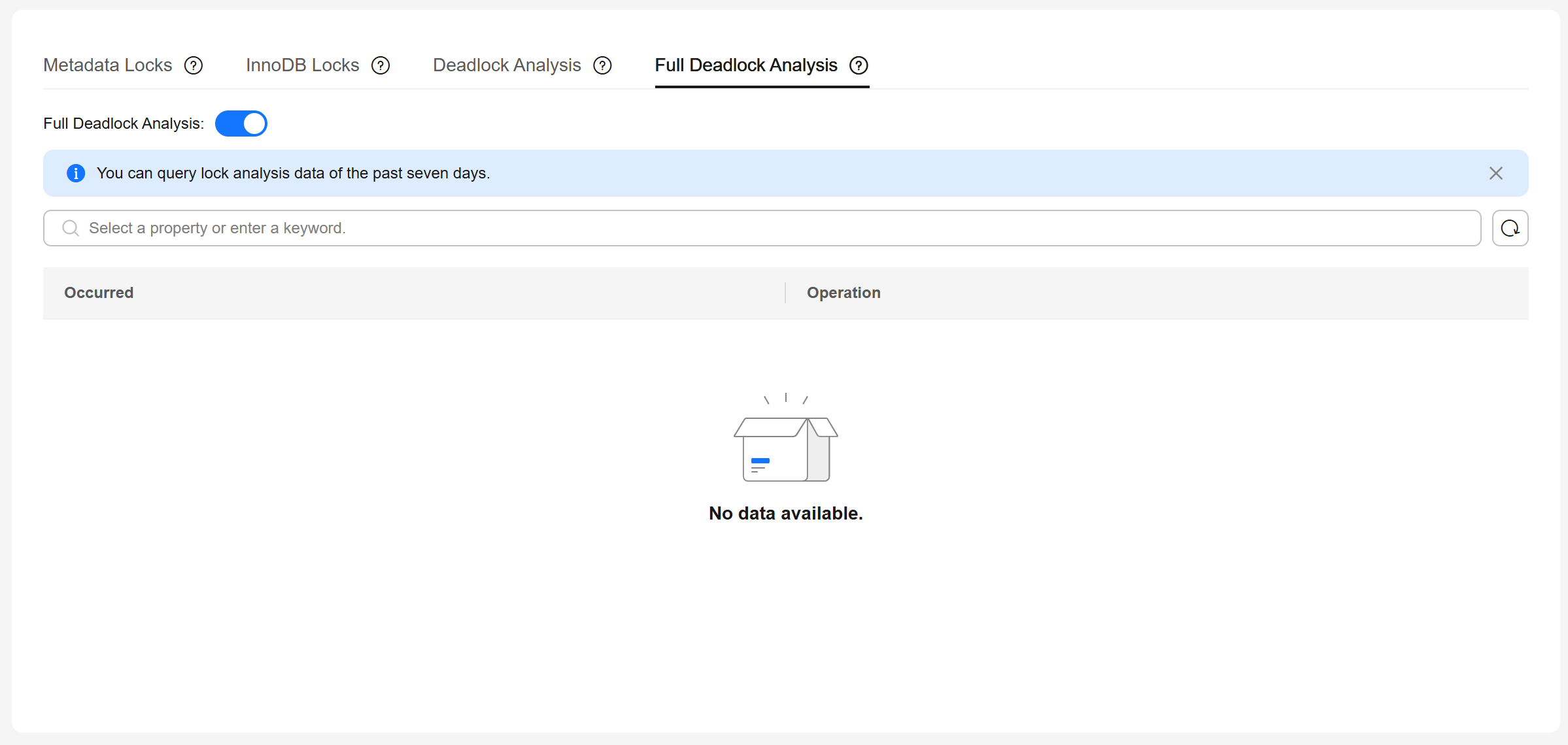
- DBA Assistant analyzes error logs at regular intervals, parses deadlock information, and performs comprehensive deadlock analysis.
- Dependent parameters:
- The innodb_deadlock_detect parameter must be set to ON (only for RDS for MySQL 5.7).
- The innodb_print_all_deadlocks parameter must be set to ON and the log_error_verbosity parameter must be set to 3 (only for other versions than 5.7).
- Up to 10,000 records can be displayed.
Procedure
- Log in to the RDS console.
- Click
 in the upper left corner and select a region.
- On the Instances page, click the DB instance name.
- In the navigation pane, choose Locks & Transactions under DBA Assistant.
- On the displayed page, enter the administrator password and log in to the instance.
- On the Locks tab page, perform the following operations:
- Click the Metadata Locks tab, create a lock analysis task and check whether the instance has metadata locks. By default, locks whose wait time is longer than 10s are displayed, but you can change this time if needed.Figure 1 Metadata Locks
- Click the InnoDB Locks tab, create a lock analysis task and check whether the instance has InnoDB locks. By default, locks whose wait time is longer than 10s are displayed, but you can change this time if needed.Figure 2 InnoDB Locks
- Click the Deadlock Analysis tab and create a lock analysis task. DBA Assistant analyzes the latest deadlock log returned by SHOW ENGINE INNODB STATUS. If there are multiple deadlocks, only the latest one is analyzed. You can only query lock analysis data of the past seven days.Figure 3 Deadlock Analysis
- Click the Full Deadlock Analysis tab and enable Full Deadlock Analysis. DBA Assistant regularly examines error logs, extracts deadlock details from them, and conducts a full deadlock analysis. You can only query lock analysis data of the past seven days.Figure 4 Full Deadlock Analysis
- Click the Metadata Locks tab, create a lock analysis task and check whether the instance has metadata locks.
What is your overall rating for this page?
0
1
2
3
4
5
6
7
8
9
10
Very dissatisfiedVery satisfied
Thank you very much for your feedback. We will continue working to improve the documentation.See the reply and handling status in My Cloud VOC.
The system is busy. Please try again later.
For any further questions, feel free to contact us through the chatbot.
Chatbot


