

Help Center/ Cloud Bastion Host/ User Guide/ Policy/ Account Synchronization Rules/ Viewing and Managing Execution Logs
Updated on 2026-11-09 GMT+08:00
Viewing and Managing Execution Logs
Scenarios
After a synchronization rule is executed, execution logs are generated accordingly. You can view the account synchronization result in the execution logs, including the synchronized account information, new account information, and deleted account information.
Prerequisites
Your role has the management permission for the Sync Rules module. For details about the permissions of each role, see Role.
Viewing Execution Log Details
- Log in to your bastion host system.
- In the navigation pane on the left, choose Policy > Sync Rules.
- Click the Execution Log tab page. The execution log list is displayed.
- Query OM task execution logs.
Quick search: Enter a keyword in the search box and search for execution logs by rule name.
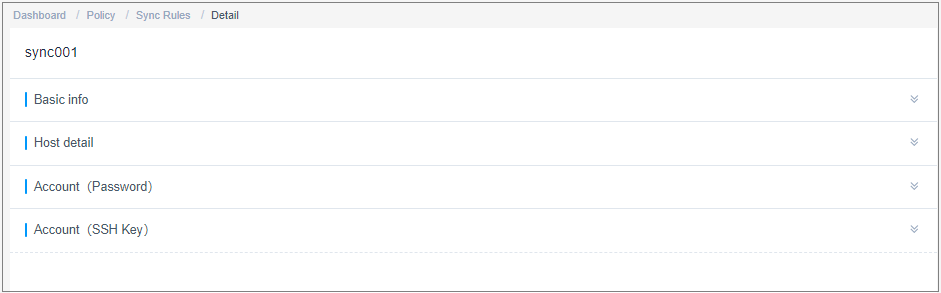
- Select the execution log and click Detail. You can view the basic information, host details, account list for synchronizing passwords, and account list for synchronizing SSH keys.Figure 1 Viewing the basic information
Downloading an Execution Log
- Log in to your bastion host system.
- In the navigation pane on the left, choose Policy > Sync Rules.
- Click the Execution Log tab page. The execution log list is displayed.
- In the Operation column of the target log, click Download to download the execution log in CSV format to the local PC.
Deleting an Execution Log
- Log in to your bastion host system.
- In the navigation pane on the left, choose Policy > Sync Rules.
- Click the Execution Log tab page. The execution log list is displayed.
- Delete an execution log as needed.
- Deleting a log
- In the Operation column of the target log, click Delete.
- In the displayed dialog box, click OK.
- Deleting logs at a time
- In the log list, select multiple logs.
- Click Delete in the lower left corner.
- In the displayed dialog box, click OK.
- Deleting a log
Parent topic: Account Synchronization Rules
What is your overall rating for this page?
0
1
2
3
4
5
6
7
8
9
10
Very dissatisfiedVery satisfied
Thank you very much for your feedback. We will continue working to improve the documentation.
The system is busy. Please try again later.


