

Updated on 2026-04-20 GMT+08:00
Changing Your Password
Change your password periodically to ensure account security.
Procedure
- Use your account to log in to Huawei Cloud.
- Click Partner Center in the drop-down list of your account name in the upper right corner.
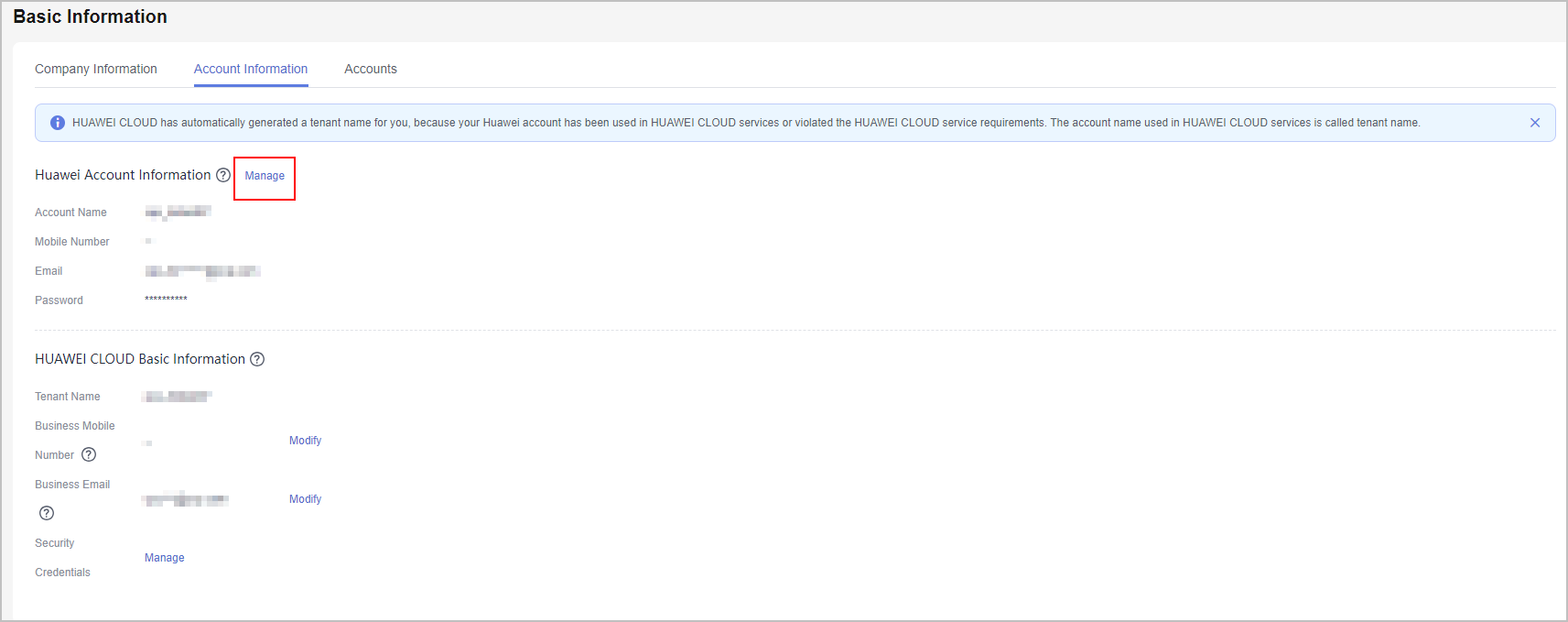
- Choose Partner Information > Basic Information in the drop-down list of the account name in the upper right corner, and then switch to the Account Information tab page.
- In the Huawei Account Information area, click Manage.
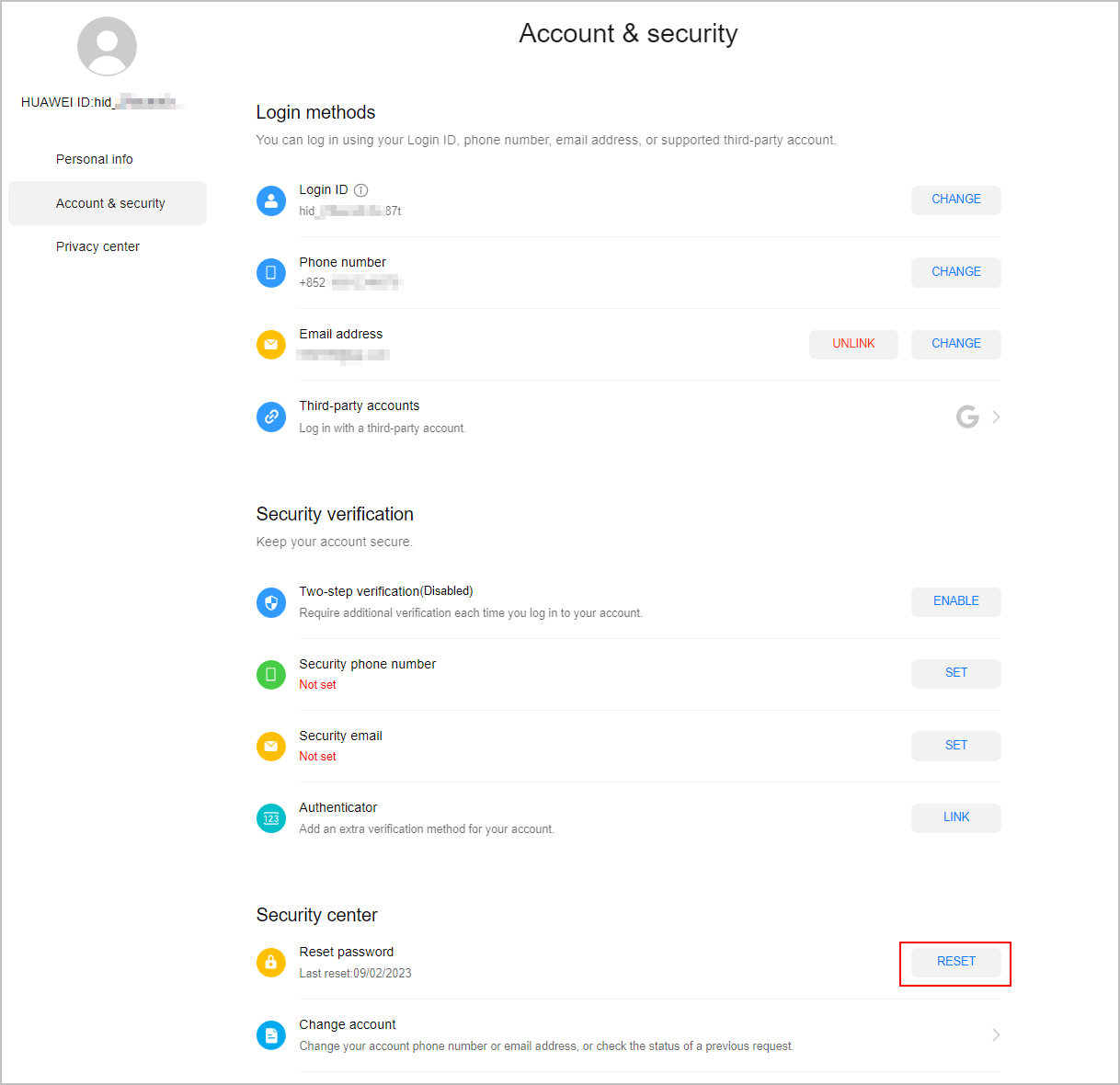
- In the Account & security > Security center area, locate Reset password and click RESET.
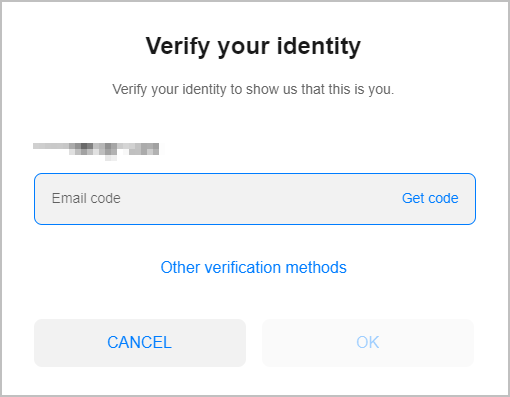
- Verify the identity.
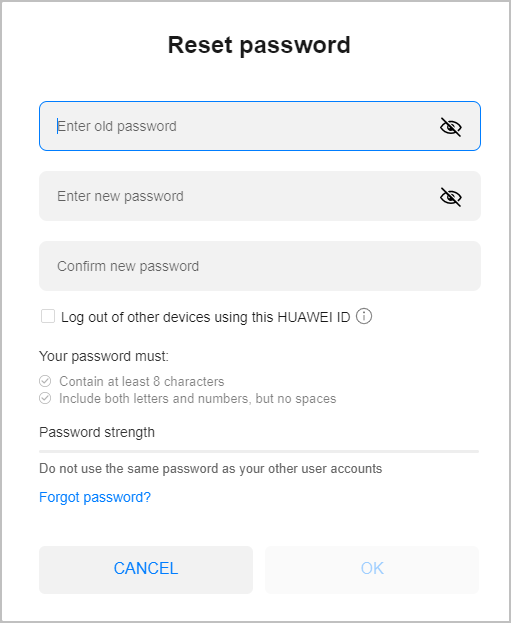
- Reset the password.
What is your overall rating for this page?
0
1
2
3
4
5
6
7
8
9
10
Very dissatisfiedVery satisfied
Thank you very much for your feedback. We will continue working to improve the documentation.
The system is busy. Please try again later.


