
Canceling Shipment
When the status of a hardware order is Pending Shipment, you can apply for canceling shipment.
Procedure
- Go to the My Orders page.
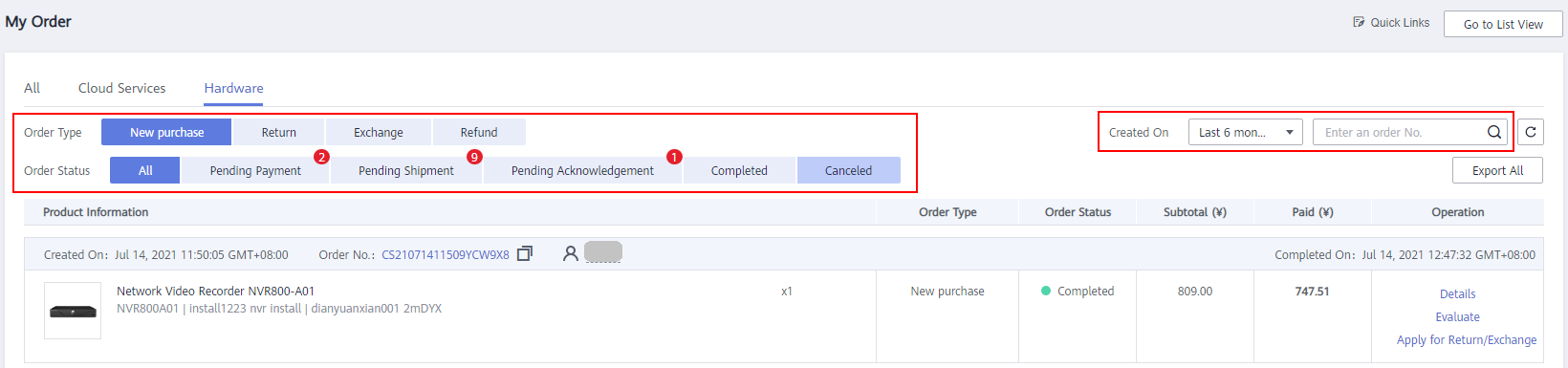
- Click Hardware and filter orders by order type or order status (Pending Shipment), or directly search for an order by creation time or order No.
- Click More > Cancel Shipment in the Operation column of the target order.


After you cancel shipment, a refund is initiated automatically. You can locate the target order from the list of orders in the Canceled state and click View Retreatment in the Operation column to view the refund progress on the order details page.
- Click OK in the displayed dialog box.

Parent topic: My Orders
Last Article: Modifying the Delivery Address
Next Article: Return/Exchange

Did this article solve your problem?
Thank you for your score!Your feedback would help us improve the website.