

Help Center/
PanguLargeModels/
FAQs/
FAQs Related to Data Operations/
Common Errors and Solutions for Data Processing Tasks/
Where Can I Find the Processed Dataset?
Updated on 2025-12-02 GMT+08:00
Where Can I Find the Processed Dataset?
Symptom
The processed dataset in ModelArts Studio cannot be found.
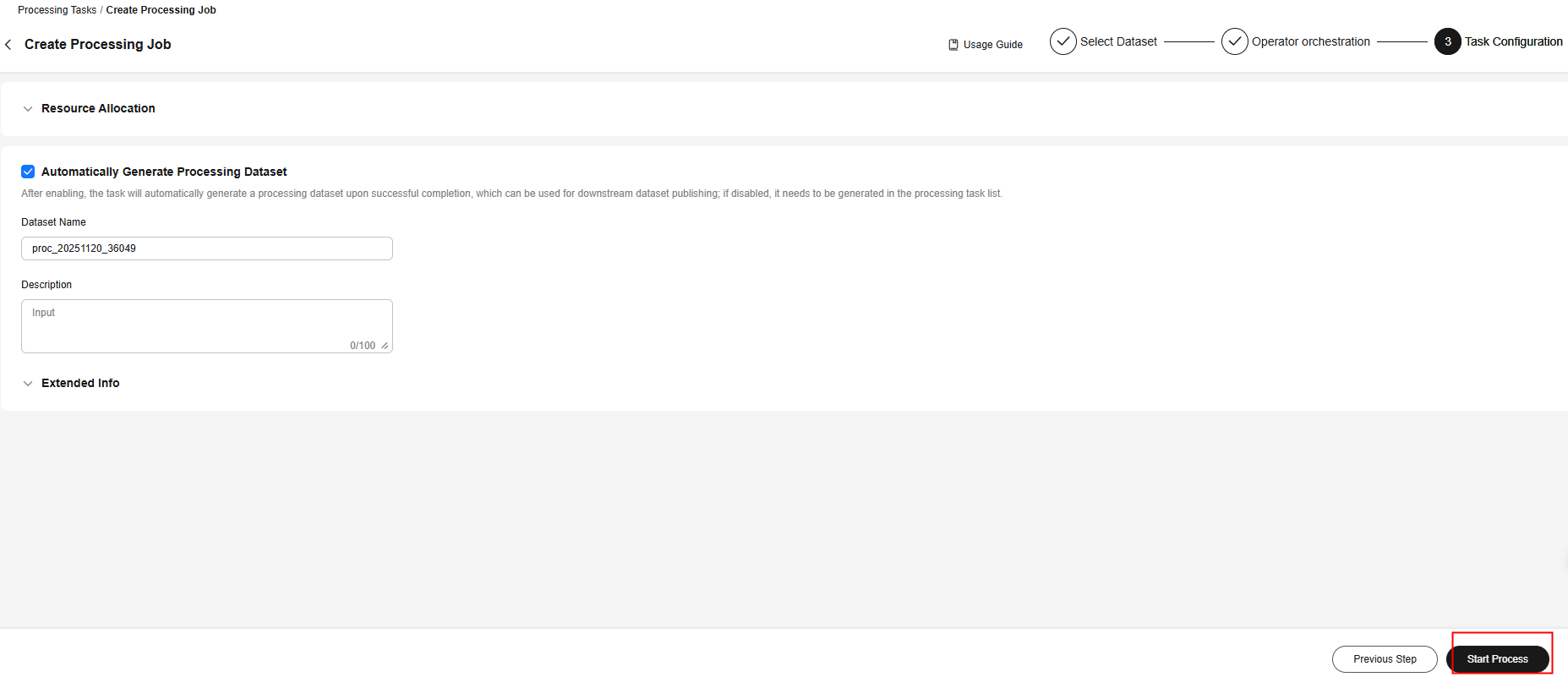
Figure 1 Starting a processing job
Solution
Data processing tasks includes processing, synthesis, labeling, and combination. The processed datasets can be viewed on the Task List and Processed Dataset pages.
- After a processing, synthesis, or combination task is created for a dataset, the successfully executed task can be Running Succeeded or Dataset Generate Succeeded.
- After a labeling task is created for a dataset, the generation status can be - or Dataset Generate Succeeded.
The following how to locate the generated dataset using a processing task as an example:
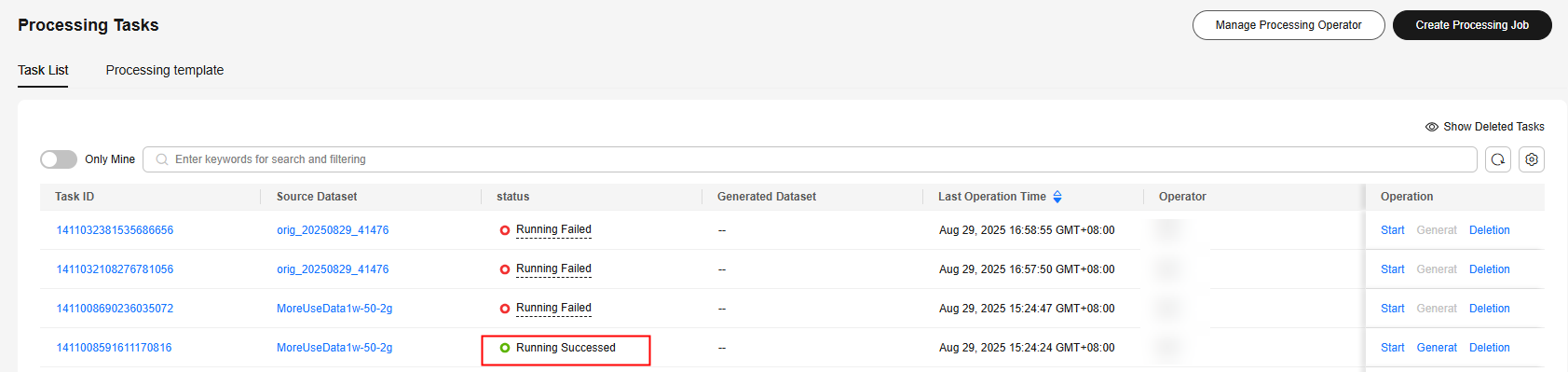
- In the task list of Processing Tasks, the dataset of a task whose status is Running Succeeded is not generated yet. You cannot locate the processed dataset.
Figure 2 Running succeeded
Click Generate in the Operation column. A dataset will be generated after the Status turns to Dataset Generate Succeeded. Then, you can locate the processed dataset by referring to 2.
Figure 3 Generation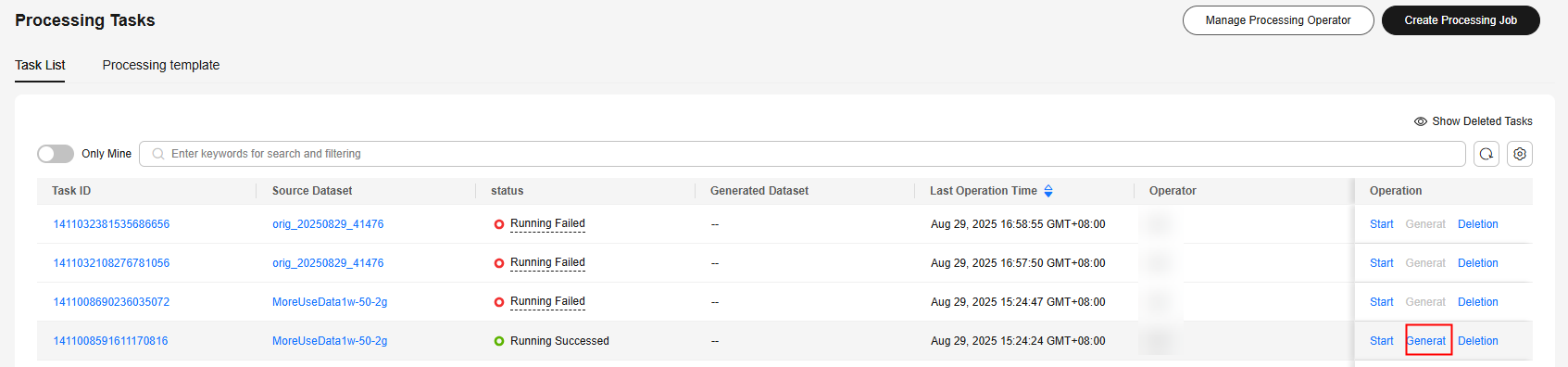
- Choose Data Processing > Processing Tasks or Data Management > Datasets > Processed Datasets to view the generated datasets.
- View the processed dataset on the Data Processing > Processing Tasks page.
- Click the task ID to go to the task details page.
Figure 4 Clicking a task ID

- On the Basic Information tab page, you can view the processed dataset in the Generate Dataset area.
Figure 5 Generate Dataset area
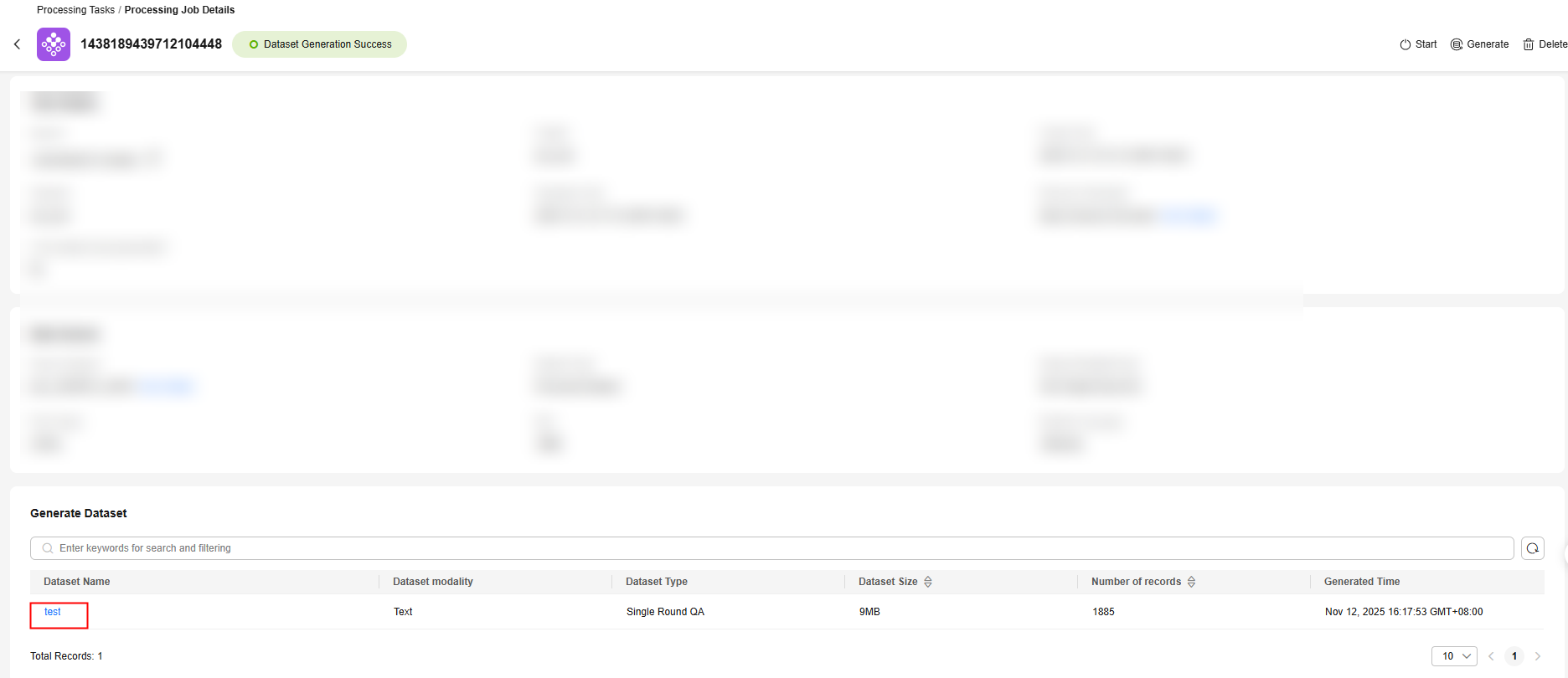
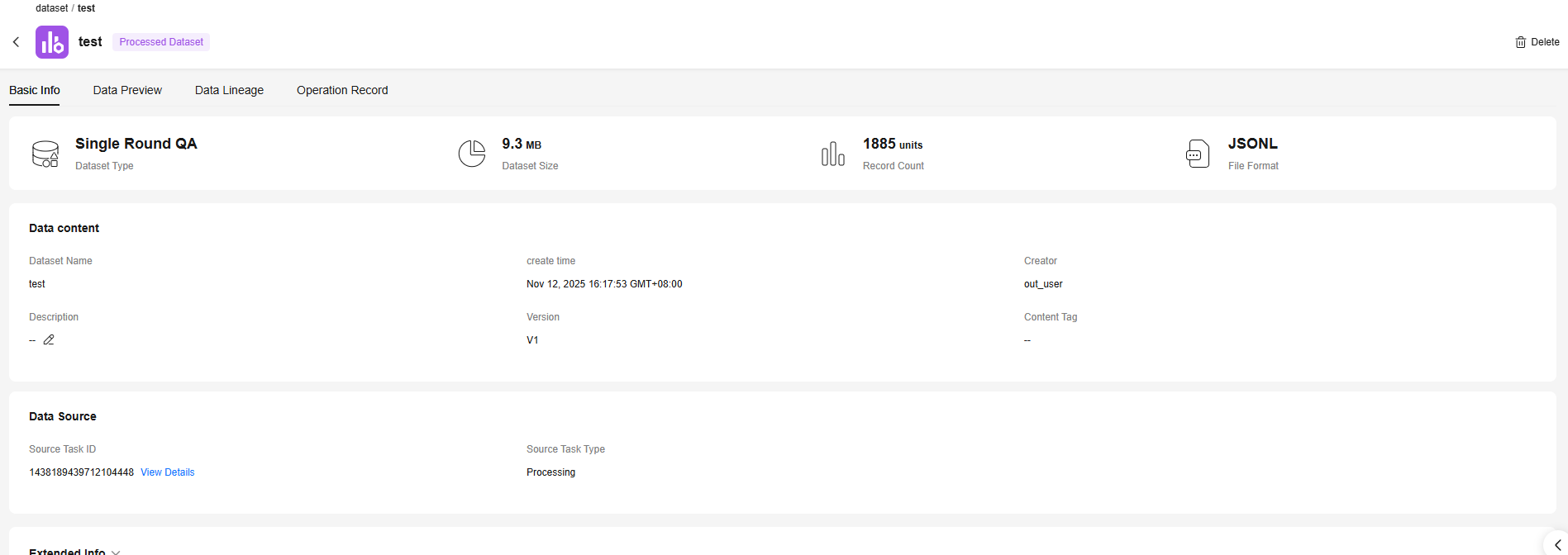
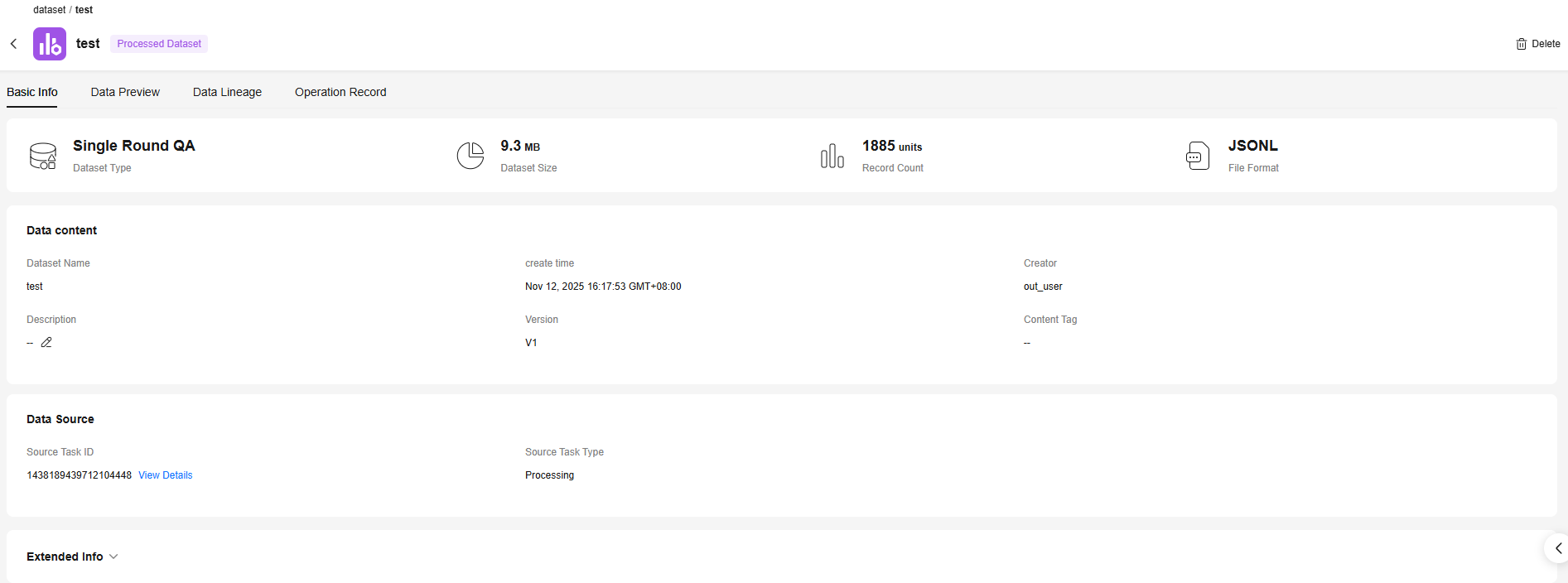
- Click the dataset name to view the details.
- Click the task ID to go to the task details page.
- Choose Data Management > Datasets > Processed Datasets to view the processed dataset.
- Find the generated dataset based on the source task.
Figure 7 Processed dataset
 Figure 8 Source task
- Click the dataset name to view the details.
- Find the generated dataset based on the source task.
- View the processed dataset on the Data Processing > Processing Tasks page.
Parent topic: Common Errors and Solutions for Data Processing Tasks
Feedback
Was this page helpful?
Provide feedbackThank you very much for your feedback. We will continue working to improve the documentation.See the reply and handling status in My Cloud VOC.
The system is busy. Please try again later.
For any further questions, feel free to contact us through the chatbot.
Chatbot


