

Help Center/ Cloud Container Instance (CCI)/ User Guide/ Using CCI Through the Console/ Workload Management/ Viewing Resource Usages
Updated on 2025-11-13 GMT+08:00
Viewing Resource Usages
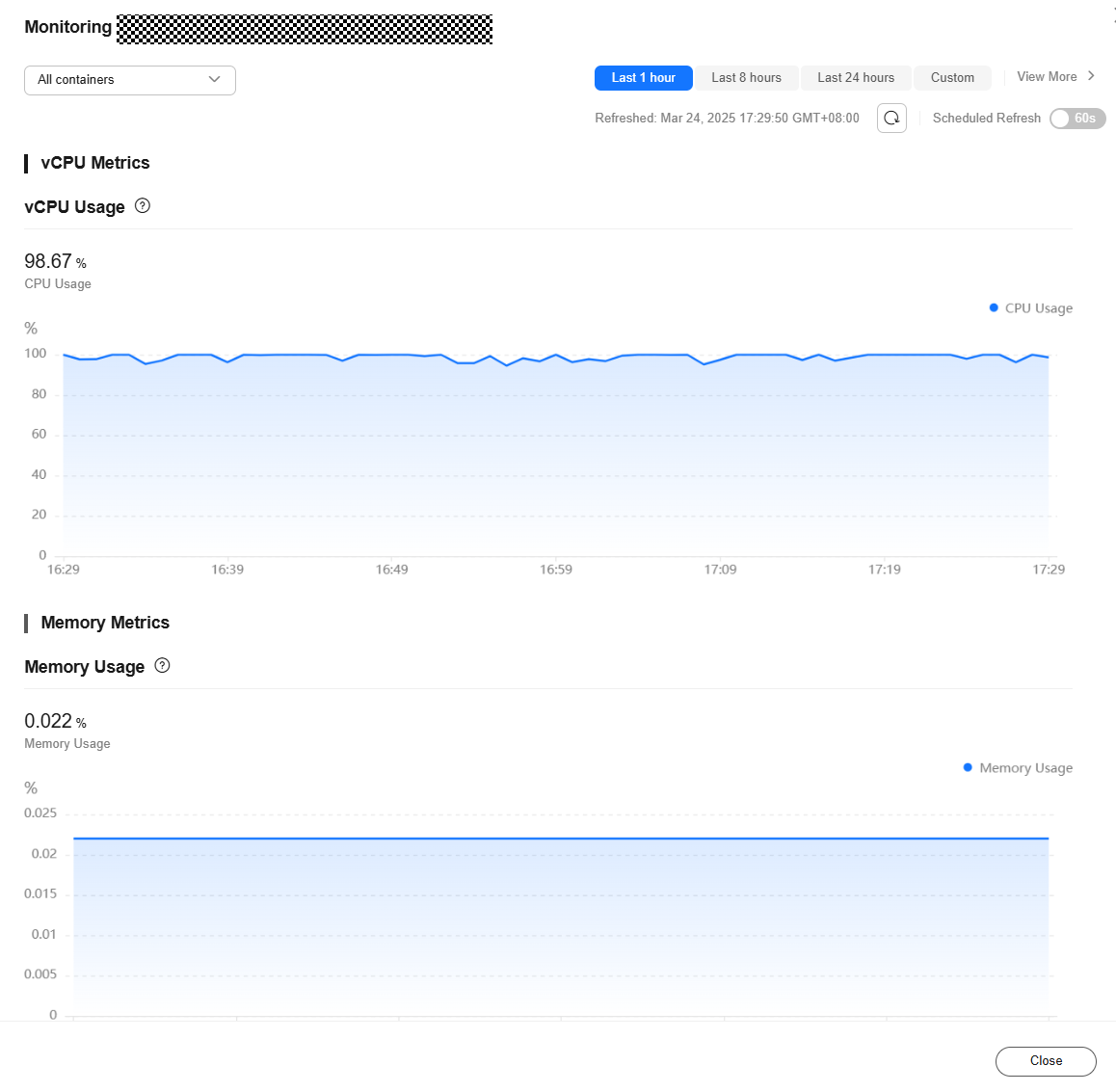
If you enable AOM when creating a namespace, you can log in to the CCI console to view the resource usages of each pod after a workload is created.
- Log in to the CCI 2.0 console.
- Locate the Deployment or pod and click Monitor in the Operation column to view the resource usages. Figure 1 Viewing monitoring data
What is your overall rating for this page?
0
1
2
3
4
5
6
7
8
9
10
Very dissatisfiedVery satisfied
Thank you very much for your feedback. We will continue working to improve the documentation.
The system is busy. Please try again later.


