

Updated on 2025-07-03 GMT+08:00
Accessing CodeArts Deploy Homepage
Prerequisites
You have purchased and authorized CodeArts Deploy.
Accessing CodeArts Deploy Homepage
- Log in to the Huawei Cloud console.
- Click
 in the upper left corner of the page and choose from the service list.
 - You can access CodeArts Deploy from either the homepage or the project page.
- From the homepage
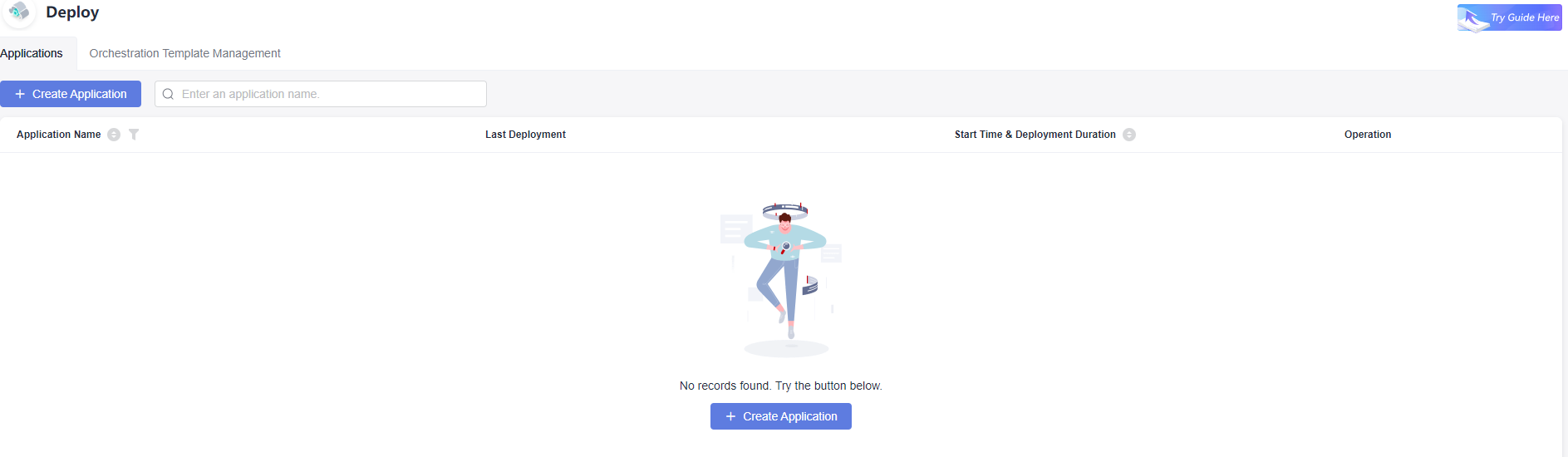
Click Access Service to go to the CodeArts Deploy service homepage. This page displays the list of deployment applications.
- From the project page
- Click Access Service to go to the CodeArts Deploy service homepage.
- Click Homepage in the navigation pane.
- Click the name of the project to be viewed.
- Choose . The application list page of the specified project is displayed.
- From the homepage
What is your overall rating for this page?
0
1
2
3
4
5
6
7
8
9
10
Very dissatisfiedVery satisfied
Thank you very much for your feedback. We will continue working to improve the documentation.
The system is busy. Please try again later.


